

BISP Dynamic Registry 2025: How to Check Status and Update Your Information
BISP Dynamic Registry 2025 is a modern system under BISP meant to ensure the accuracy and regular updating of information on beneficiaries. Unlike in the old NSER survey, where data entry was a one-time process, in this dynamic registry, families can update their information anytime, details relating to income, address, or family size change in real life. Such continuous data updating enables the government to correctly target deserving households for its support and also ensures fair distribution of financial help without delays. In general terms, the Dynamic Registry increases transparency and improves the efficiency of support through BISP.
Read More: BISP Registration Method December 2025: Step-by-Step Guide for New Applicants
Who Is Eligible for the Dynamic Registry (2025)
- Low-Income Families: Those whose monthly income is less than Rs. 50,000 are eligible to register.
- Widows and Divorced Women: All widows and divorced women without a permanent source of income can register for assistance from BISP.
- People with Disabilities: Those individuals whose disability has been proven by NADRA fall in the category to be included in the registry.
- Disaster-Affected Families: Families from selected districts of Sindh, Balochistan, and South Punjab, where floods and droughts or any other natural disaster hit them,
- Families with Data Changes: Households that recently experienced marriage, death, or a change of address will be considered.
- Families Not Getting Paid͏͏: Families who have not received BISP payments for more than 6 months should register details/update details in the Dynamic Registry.
Read More: Ehsaas Kafalat Program Eligibility Criteria 2025

How to Check Your Status Online (Step-by-Step)
1. Visit the Official Portal:
Go to the BISP 8171 portal: https://8171.bisp.gov.pk
2. Enter Your CNIC:
Enter your 13-digit CNIC number without any slashes.
3. Complete the CAPTCHA:
Enter the CAPTCHA code being shown on screen to verify you’re not a robot.
4. Submit Your Information:
Click “Submit” to process.
5. View Your Status:
It will display your status as any of the following:
Registered – You are eligible and enrolled in the registration
Pending Verification – Your particular information is under verification
Not Eligible (No Record Found) – Your information is either missing or hasn’t been updated yet. Then go to the tehsil office.
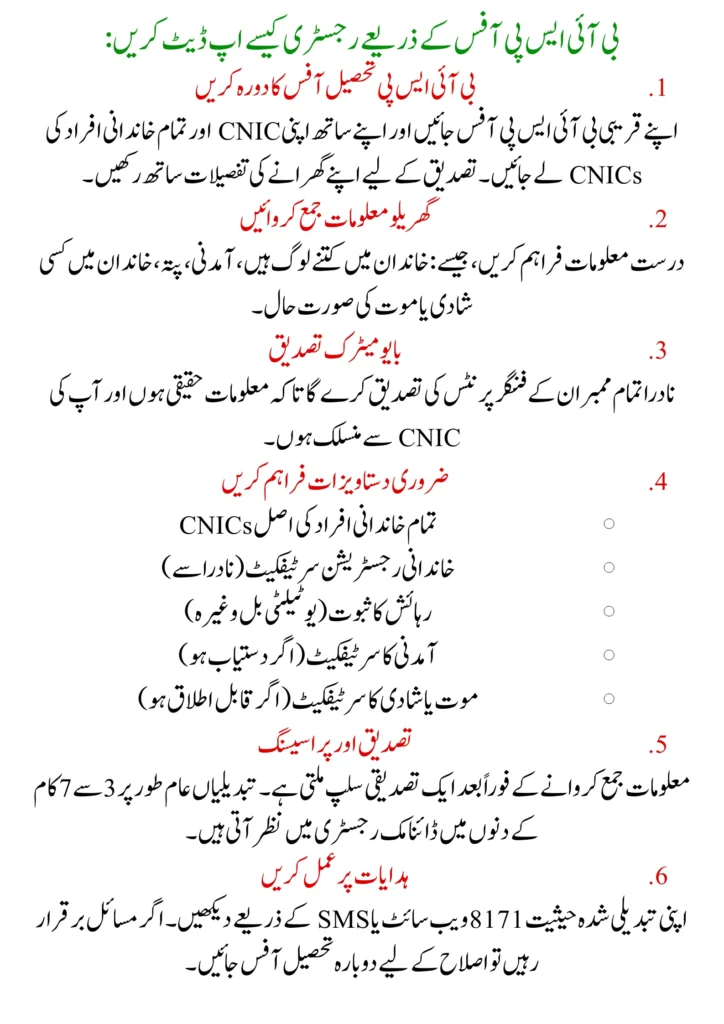
How to Update Registry via BISP Office
1. Visit the BISP Tehsil Office
Go to the nearest BISP office with your CNIC and the CNICs of all family members. Make sure you have details of your household for verification.
2. Submit Household Information
Give accurate information about͏: how many people are in the ͏family, ͏income, address, any marriages or deaths in the family.
3. Biometric Verification
NADRA will do fingerprint v͏erification of all members so that the information is real and linked to your CNIC.
4. Provide Necessary Documents:
Original CNICs of all family members, Family registration certificate (from NADRA), Proof of residence (utility bill, etc.) Income certificate (if available), Death or marriage certificate (if applicable)
5. Confirmation and Processing:
A confirmation slip is received right after the submission process. Changes normally take between 3-7 working days to show up in the Dynamic Registry.
6. Follow Instructions:
See your changed status on the 8171 site or by SMS. If problems stay, go back to the Tehsil Office for fixes.
Checking Your Status via SMS
1. Prepare Your CNIC:
Input your 13-digit CNIC number without any dashes. Ensure you send it from the phone number registered with your CNIC if possible.
2. Send SMS to 8171:
Type your CNIC and send it to 8171.
3. Receive Your Status:
You will receive a response SMS having your status:
- “Congratulations, you are eligible for BISP.”
- “Your verification is in process.”
- “You’re not Eligible.”
It looks like there’s nothing in the Dynamic Registry.
Common Problems & Solutions
1. No Record Found Data:
If the data is not updated in the registry, then visit the tehsil office and give them the correct Information and update successfully.
2. CNIC and Fingerprint Mismatch:
Possible NADRA information is outdated; your CNIC expires, so you should renew it through the NADRA office and resubmit your Fingerprints.
3. Pending Status:
If your status is still pending, don’t panic; your verification is still being processed, and it’s delayed by 3 to 7 working days.
4. Wrong Family Details:
Your submitted information has not been corrected, so again, resubmit your correct household information with supporting documents.
5. Delayed Payments:
Mostly, delayed payments are under verification of your information. So don’t worry, it’s working due to 3 to 7 working days.
How To Complete Your Dynamic Registry in Your Districts
If you want to update your information so go to the nearest Tehsil Office and submit your information.
- Collect your correct and supporting documents.
- Visit the Nearest Local Tehsil Office.
- Submit all your household data to the office.
- Wait for verification that it’s working for 5 to 7 days.
- Update any Missing or incorrect Information
- After submission, you should receive your confirmation slip and save it.
Dynamic Registry Contact Helpline and Regional Offices
| Province | Tehsil Office Helpline | Timing |
| Punjab | 0800-26477 | 9 AM – 4 PM |
| Sindh | 0800-26477 | 9 AM – 4 PM |
| KP | 0800-26477 | 9 AM – 4 PM |
| Balochistan | 0800-26477 | 9 AM – 4 PM |
Benefits of BISP Dynamic Registry
- Automatic addition in Kafalat Programs and Taleemi Wazaif, and receive your payments.
- Automatically, your payment is received in your digital wallet, and bank transfers are easy.
- Continuously updating your data ensures that your family is still eligible for BISP benefits.
- Monitoring is transparent and low risk of payment reductions and duplicate entries in the data system
Conclusion
The Dynamic Survey registry has brought a new transparency and efficiency system to BISP (Benazir Income Support Program). In this system, eligible families can change or update their information and verify it in the BISP data record. It ensures that your family is still eligible for financial help from BISP without delays. It’s helpful that you can change or update your information from your district tehsil office. In a few minutes, you can check your status through the online Portal and also check via the SMS service 8171.
FAQs
What is the Dynamic Registry in BISP?
It’s an updated system that continuously collects and verifies family data to ensure only deserving households receive BISP assistance.
Why does 8171 show “No Record Found”?
It usually means your data hasn’t been added yet. Visit the nearest BISP office to update your record.
Can I update my registry through NADRA?
Yes, NADRA verifies biometric details for Dynamic Registry updates through Tehsil Offices.