

BISP Payment Deduction Complaint Registration – Complete Guide 2025
The Benazir Income Support Programme, or BISP, is one of the major supporting pillars for low-income families all over Pakistan. This has lately been a common concern among beneficiaries regarding unfair payment deductions during cash withdrawals. Hence, to address increasing concerns, BISP has recently introduced an updated version of the complaint registration method in 2025 that is more expedited and transparent. This guide shall inform you on how to easily register and track your payment deduction complaint through official BISP channels.
Read More: BISP 8171 Missing Payment – Easy Way to Fix the Problem and Receive Your Amount
What Is BISP Payment Deduction?
- A BISP payment deduction occurs when the beneficiary receives less than the actual amount issued by the government. Most of these deductions are a result of an agent’s commission-unauthorized, but some can be attributed to technical errors and account verification issues during payment disbursement.
- In most cases, beneficiaries do not know what has happened and thus end up losing their money. Knowing why deductions are made is the first step toward instituting a complaint and getting all your money back.
BISP Complaint Registration New Method 2025
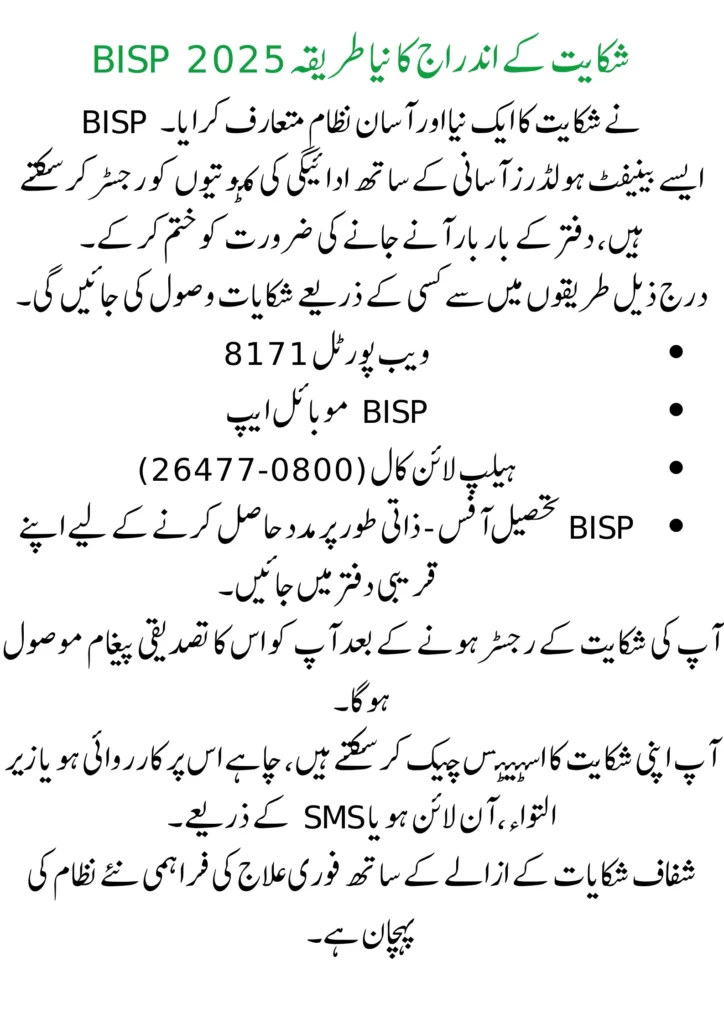
- BISP introduced a new and simple complaint system.
- Such benefit holders can register payment deductions with ease, eliminating the need for repetitive visits to the office.
- Complaints shall be received through any of the following modes:
- Web Portal 8171
- BISP Mobile App
- Helpline Call (0800-26477)
- BISP Tehsil Office – Walk into your nearest office to get help in person.
- You will receive a confirmation message of your complaint after it is registered.
- You can check the status of your complaint, whether it’s actioned or pending, online or through SMS.
- Provision of immediate remedial action along with transparent complaint redressal is the hallmark of the new system.
Read More: BISP 8171 Missing Payment – Easy Way to Fix the Problem and Receive Your Amount
Step-by-Step Guide to Register a Payment Deduction Complaint
Through 8171 Web Portal:
- Users need to visit the official website or Portal.
- Then they need to input their CNIC number in the given field.
- After that, click on the “Register Complaint” option.
- From the complaint type, select payment deduction.
- Fill the form and submit it.
- A confirmation will be sent to your cell along with the complaint number
Through the BISP Mobile App:
- First of all, download and open the BISP Mobile App from the Google Play Store.
- Now sign in by entering the registered CNIC and Mobile number.
- Navigate to the “Complaints” section.
- Choose “Payment Deduction” from the list of complaints.
- Provide the payment details along with the reason for the complaint.
- After completing the form, take note of the complaint ID.
BISP Helpline:
- Call the official helpline of BISP 0800-26477.
- Share your CNIC number and payment details with the representative.
- Properly explain the deduction issue.
- The agent will register your complaint and share the complaint reference number with you.
Visit the BISP Tehsil Office Nearest to You:
- Take your original CNIC and payment receipt.
- Ask the staff to help you register a payment deduction complaint.
- Get your complaint number for tracking and future reference.
Required Documents for Complaint Submission
-
A valid CNIC of the beneficiary:
Bring either the original or a photocopy of your Computerized National Identity Card.
-
Payment slip or transaction proof:
Present the receipt or SMS that shows the deducted payment amount.
-
Deduction receipt if available:
Any slip or proof from the payment agent showing the deduction.
-
Registered Mobile Number:
The registered mobile number is to be submitted; this is the same number used for your BISP registration and payment alerts.
How to Track Your Complaint Status
Web Portal:
- Visit the official Website or Portal.
- Enter the CNIC number and click on “Check Complaint Status”.
- The current complaint status will be displayed.
SMS Method:
- Open SMS App
- Enter CNIC Number without dashes
- Send the CNIC number to 8171.
- You will receive a message in return showing your complaint status/progress.
Helpline BISP:
- Call the Helpline of the organization, which is 0800-26477.
- Give your CNIC and complaint number to the operator.
- You may be informed of the current status and the anticipated resolution time by them.
BISP Tehsil Office:
Visit your nearest BISP Tehsil Office. Present your complaint reference number at the time of tracking. The staff will keep you updated on the progress of your case.
Common Reasons for Payment Deductions
- Unauthorized agent cuts occur when certain retailers or agents deduct a commission during the withdrawal.
- Technical errors may arise due to system or network problems, hence leading to incomplete or wrong transfers.
- Problems in account verification happen when CNIC and other details are not properly verified, thus leading to reduced payment.
- Multiple registrations through more than one CNIC or household automatically trigger deductions or blocking.
- Incomplete or outdated data in the BISP records can lead to a temporary hold on payments. Faulty ATMs or agents’ devices can also cause partial disbursement of cash.
How to Avoid Future Deductions
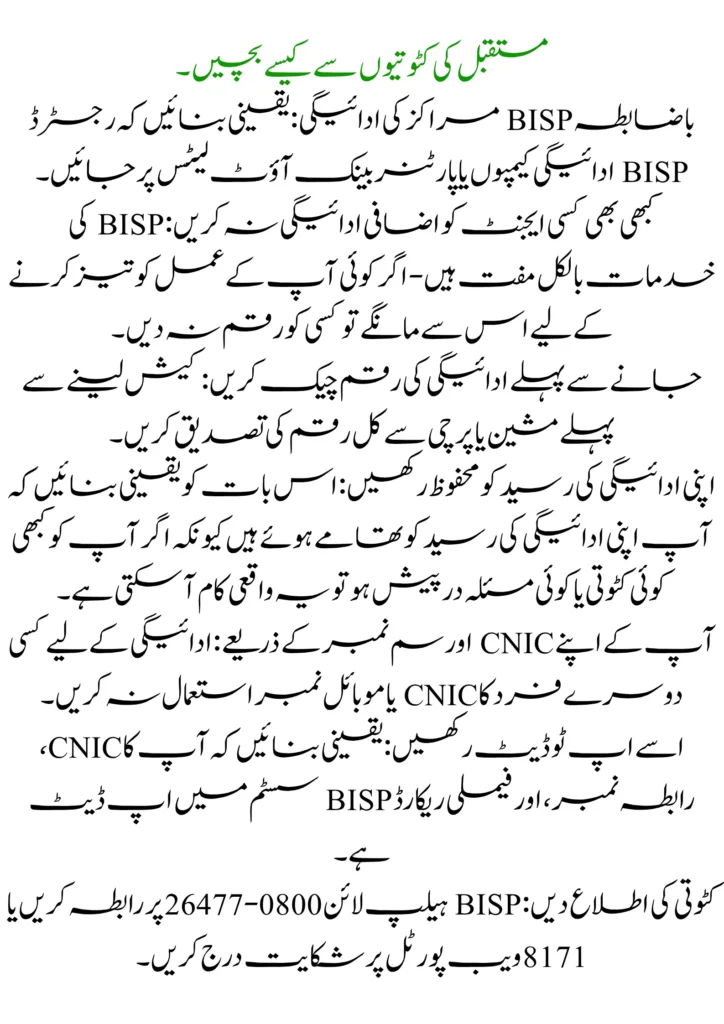
- Official BISP Centers Payments: Make sure to go to the registered BISP payment camps or partner bank outlets.
- Never Pay Extra to Any Agent: BISP services are absolutely free— do not give money to anyone if someone asks for it to accelerate your process.
- Check Payment Amount Before Leaving: Confirm the total amount from the machine or slip before taking cash.
- Keep Your Payment Receipt Safe: Make sure you hold on to your payment receipt since it can really come in handy if there’s ever a deduction or an issue you
- By Your Own CNIC and SIM Number: Never use another individual’s CNIC or mobile number for payment.
- Keep It Up to Date: Ensure your CNIC, contact number, and family record are updated in the BISP system.
- Report Deduction: Approach BISP Helpline at 0800-26477 or register a complaint at the 8171 web portal.
BISP Helpline and Regional Office
BISP Helpline
- Toll-Free Number: 0800-26477
- SMS Service: Send your CNIC number to 8171 for updates.
- Email (for official queries): info@bisp.gov.pk
- Website: https://bisp.gov.pk
Regional Office
- Islamabad central location: Benazir Income Support Programme, F-Block, Pak Secretariat, Islamabad
- Punjab area: Lahore
- Sindh area: Karachi,
- Khyber Pakhtunkhwa (KP) zone: Peshawar
- Balochistan area: Quetta
- Gilgit-Baltistan space: Gilgit
- Azad Jammu & Kashmir (AJK) field: Muzaffarabad
Conclusion
The BISP Complaint Registration System 2025 has enabled very fast complaints on deduction issues by the beneficiaries, and also a fast response in resolving their issues. Always channel your complaint through the official means, that is, by using the 8171 web portal, mobile app, helpline, or Tehsil office, so that your issue can be taken up without involving any third party or agent. Always keep your payment receipts safe, and also use your own CNIC to report all unauthorized deductions immediately. Being vigilant and following the official process ensures getting all your full BISP payments safely and on time.
FAQs
What should I do if my BISP payment is less than the actual amount?
If you have received less than your entitled payment, lodge a payment deduction complaint through the Web Portal 8171, BISP Mobile App, or by calling at 0800-26477 helpline.
How long does it take for a BISP complaint to be resolved?
Based on nature verification, most complaints are resolved within 7 to 15 working days.
Can I register a complaint without visiting a BISP office?
Yes, just file your complaint online on the 8171 Web Portal or BISP Mobile App without visiting the office.
What documents are required to file a deduction complaint?
Original CNIC, receipt, registered mobile number, and deduction receipt if available.